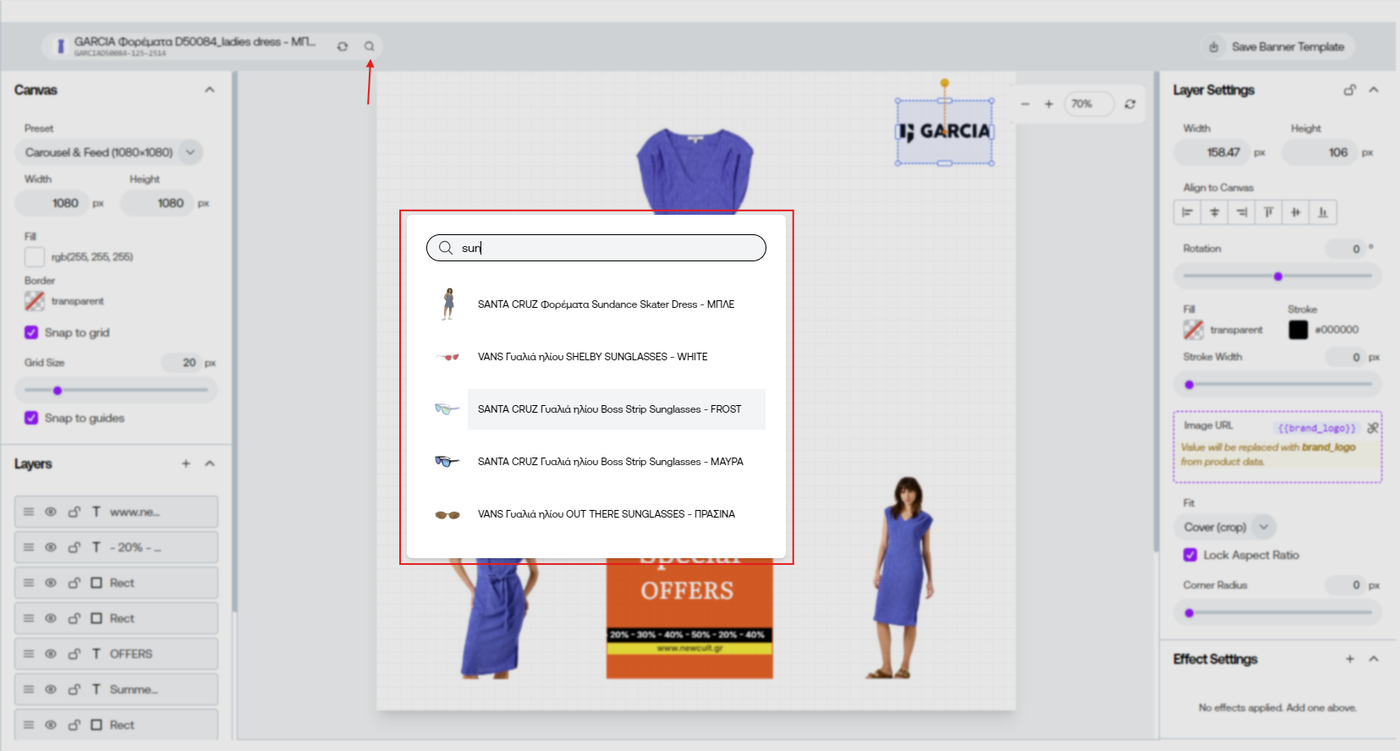

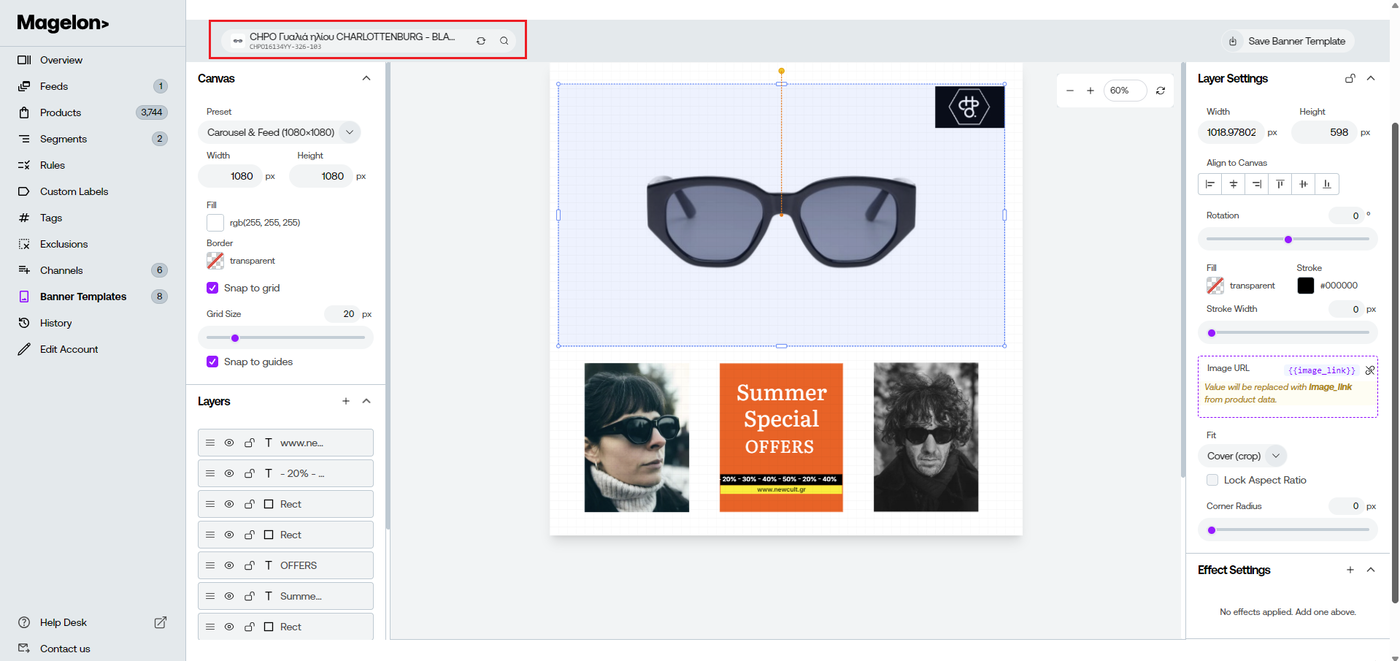
Preview your Banner Template with different products
While designing your Banner Template, the editor displays a preview using a randomly selected product from your catalog. This allows you to see how your dynamic fields and design elements are rendered with real product data.
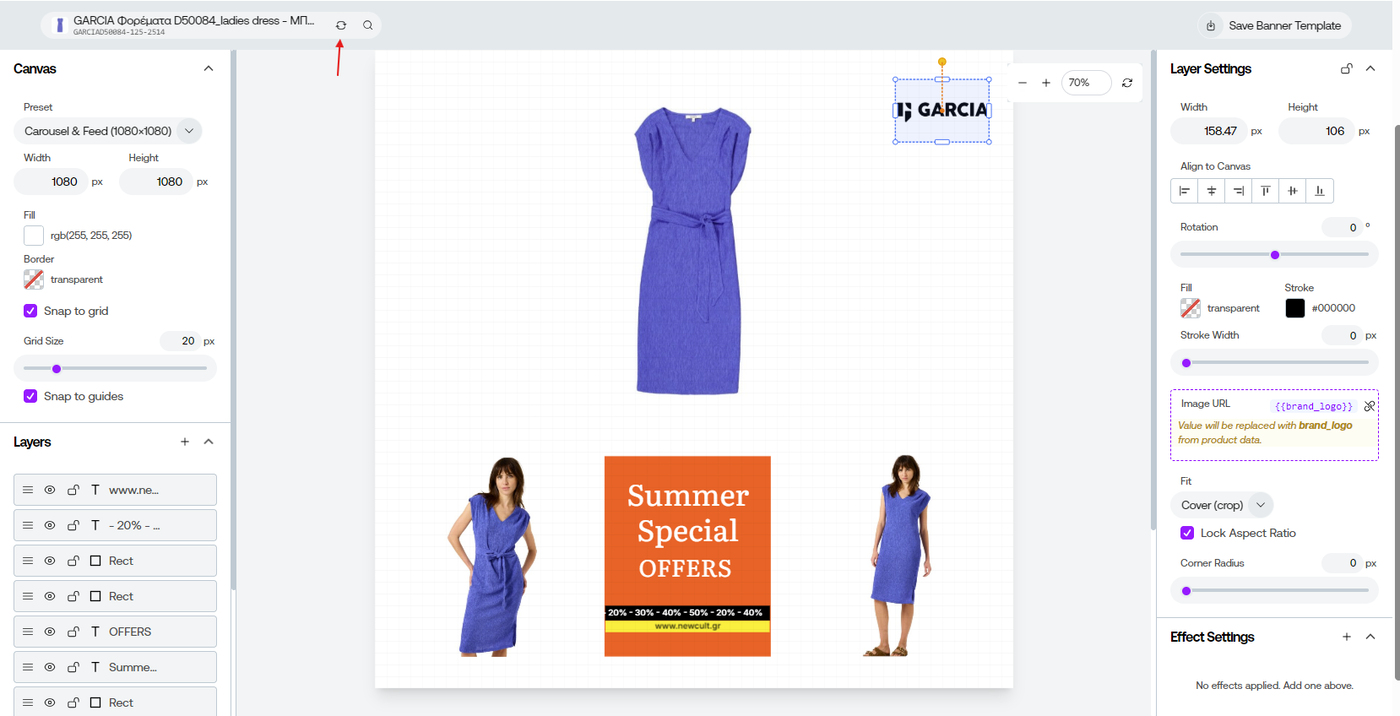
If you want to preview a different product, click the Refresh button. A new random product will be loaded, allowing you to quickly verify that your template works correctly with different product images, titles, prices, and other dynamic attributes.
You can also preview a specific product by clicking the Search icon. Search for a product by its title and select it from the results to see exactly how your Banner Template will appear for that product. This is particularly useful for testing products with long titles, different image formats, or unique product information before applying the template to your entire catalog.